Secure, Flexible Data Backup and Recovery that Enables Cyber Resilience
Backup and recovery to protect your mission-critical data across the industry’s broadest set of workloads – cloud, on-prem, and SaaS.

Video
Cyber Attack Recovery in Minutes, Not Days
Restore smarter, recover faster. Let Commvault show you where to start.

how we do it
Protection across cloud and on-premises
Commvault’s cloud-first approach to cyber resiliency enables comprehensive data protection, backup, and recovery for your enterprise—across any cloud, on-prem, or hybrid environment.
Storage flexibility
Storage options combined with available SaaS delivery enable scalable, air-gapped cloud storage across public cloud providers.
Ransomware protection with immutable and indelible storage
Commvault helps you defend against ransomware and zero-day threats in production with shielded backup infrastructure and locked data storage that protects data from attacks that seek to delete, encrypt, or change your data.
Achieve minimum viability
Protect and recover your most critical data and apps, like Active Directory, M365, and on-prem and cloud apps so that you can maintain continuous business.
Comprehensive workload coverage
Our platform supports a wide array of cloud and on-prem workloads, including virtual machines, containers, databases, applications, endpoints, and files, enabling protection of all of your data, regardless of its location.
Commvault Cleanroom
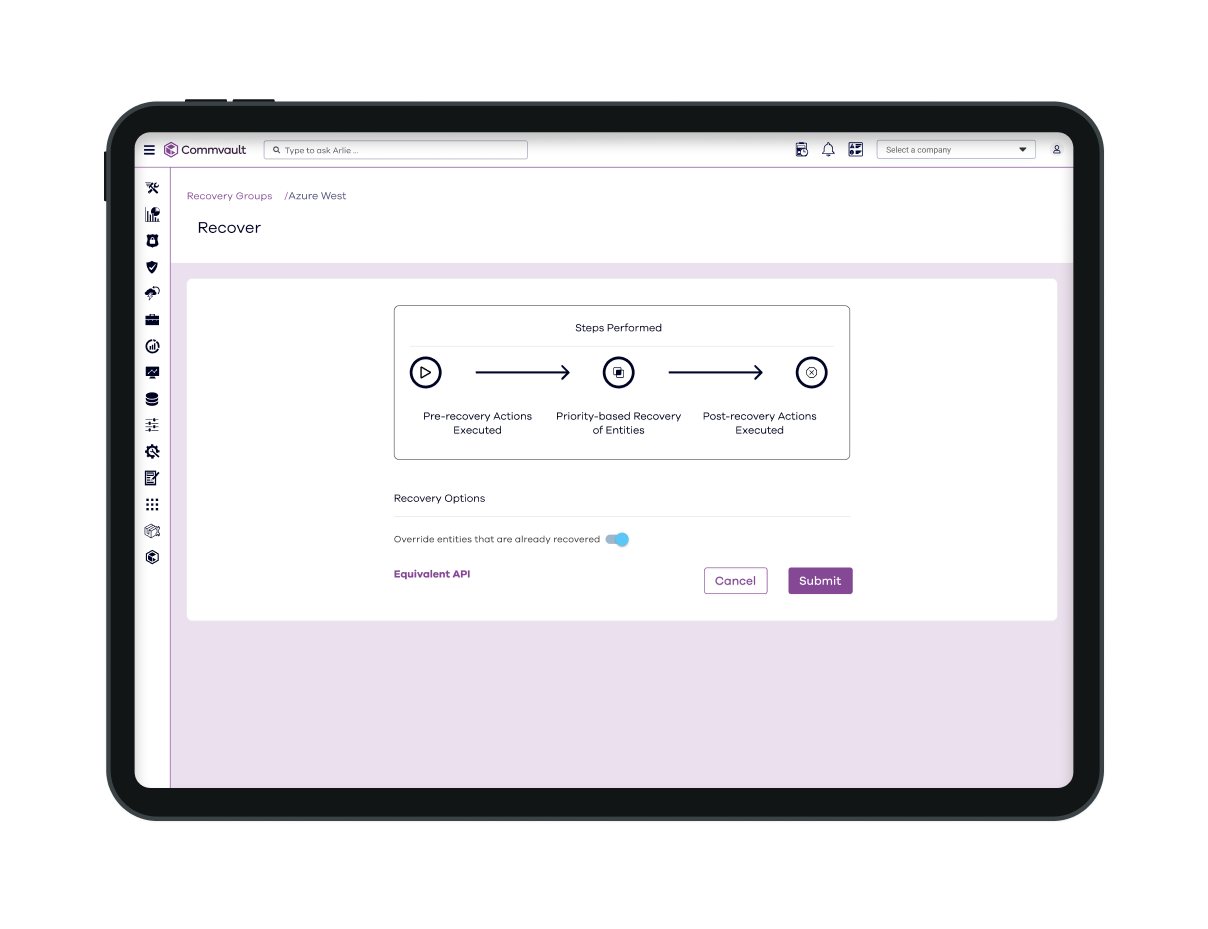
Commvault Cleanroom solution provides a secure, isolated, on-demand cloud environment for testing and validating cyber recovery plans, enabling fast, clean, secure recoveries.
Data integrity
Detect suspicious activity and threats and protect data from disclosure and theft, with audit and change logs as well as immutability and indelibility.
Backup & Recovery Features
Advanced, automated cyber resilience
Mitigate ransomware risk and rapidly recover from cyberattacks with integrated cloud storage from Commvault.
Data protection
Discover, classify, and secure sensitive data with our AI-enabled risk analysis capabilities to assesses potential risks associated with access or redundant, obsolete, and trivial data kept beyond required retention periods.
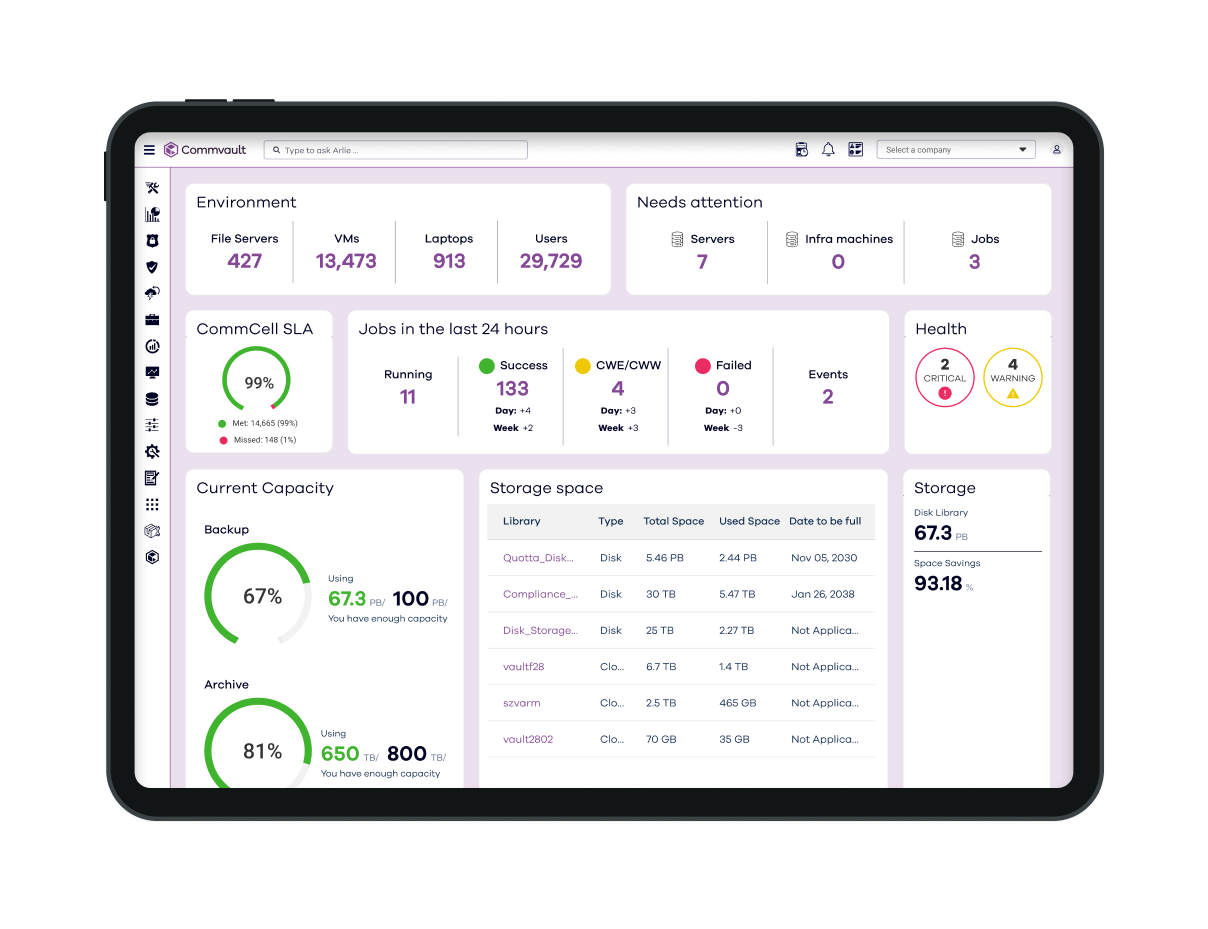
Foundational security
Stay ahead of advanced threats using FIPS 140-3 certified encryption, application hardening, zero trust principles, and post-quantum security.
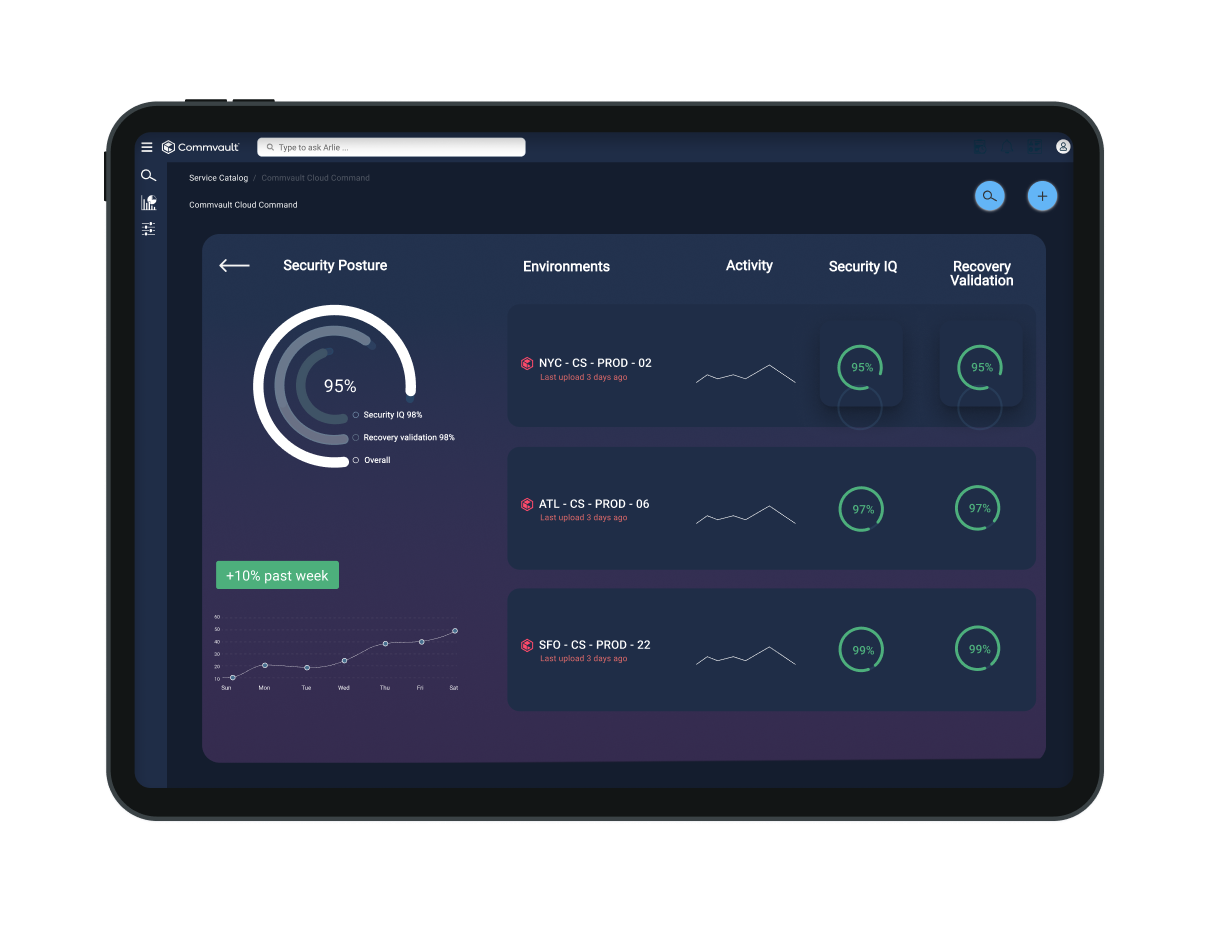
AI and automation
Automate data management processes, manage backups, and protect your mission-critical data.
CUSTOMER STORY
Allina Health embraces flexible, comprehensive data protection
Allina Health embraced flexible data protection through expansive backup solution with Commvault using Commvault Complete Backup & Recovery.
SHIFT 2025 – watch now
Join the Worldwide SHIFT in Cyber Resilience
Tap into the future of cyber resilience from anywhere in the world, at any time.

Our Reach
Supporting more than 100,000 companies




“Commvault gives us the power to protect our data from various sources and formats from a single interface, drastically reducing the costs and efforts required for backups. Moreover, its proven recovery capabilities have saved us multiple times from ransomware attacks which could have been devasting.”

“Commvault gives us confidence that our data is safe, and our important services can be up and running quickly.”
“With a long retention strategy, our cloud storage costs were accelerating quickly. Commvault Cloud gave us a way to dramatically lower those costs and keep them predictable, while simultaneously providing us with the data resilience needed to keep our business running.”
Analyst Report
Gartner® Magic Quadrant™
For the 14th time in a row, Commvault has been named a Leader in the Gartner® Magic Quadrant™ for Backup and Data Protection Platforms.
Commvault® Cloud Risk Analysis

Commvault® Cloud Backup & Recovery

Commvault® Cloud Autonomous Recovery
Frequently Asked Questions
Why do I need a dedicated backup & recovery?
Your organization needs to be confident that its data is readily available across the entire environment, whether on-premises, in the cloud, in multiple clouds, or hybrid environments. It is all about availability and avoiding costly data loss scenarios.
- Point solutions have limited protection and create data silos.
- Additional point solutions are often needed as your data infrastructure evolves, which creates even more segregated data silos.
- Segregated data leads to inefficiencies, longer go-to-market cycles, and increased storage costs.
- Quick, complete, and cost-effective data access, protection, and recovery is critical for business planning and operation.
How can I protect my data from ransomware, corruption, or accidental deletion?
/Commvault Cloud is built upon a zero-trust framework, where all data is air-gapped and isolated from source environments. In other words, Commvault Cloud stores backup copies in a separate security domain. That means data loss events that impact production data (such as user error or an internal attack) cannot also impact backup copies. With rapid and flexible restore options, you can quickly restore lost or compromised data.
Why is it important to consider implementing “immutability” capabilities for backup data?
Implementing immutability capabilities helps keep your data safe from unauthorized changes. In the context of ransomware attacks, where attackers often attempt to encrypt or delete backups to force organizations into paying a ransom, this provides confidence that your backup data remains untouched.
What makes Commvault® Cloud Backup and Recovery different from other solutions?
Commvault delivers 20 years of industry-leading technology. We provide a breadth of offers and a depth of capabilities for performance, speed, security, and granular recovery. We offer proven scale and flexibility that others don’t, including the option to bring your storage.
How can we leverage backup and recovery to migrate workloads from on-premises to the cloud?
Commvault Cloud Backup & Recovery can help you migrate from on-premises to the cloud or between clouds.
- Fully automated processes – no need for customized scripts.
- Minimal downtime to production systems.
- Data portability between clouds.
- Avoid vendor lock-in.
